 Bhalanetra Labs
OwnWise · Bhalanetra Labs
Invoice and warranty organiser
See how to file receipts, invoices and warranty cards by item, track warranty dates and find the paper original with OwnWise for Android.
Give each purchase a folder
Start with the item you remember, such as a pair of headphones or a washing machine. Add the purchase date and attach the original invoice and warranty card. The next time you need proof of purchase, open the item folder.
Save the warranty date you want to track
Check the warranty terms and enter the expiry date from your paperwork. Review upcoming dates in OwnWise. Android notifications depend on notification permissions and the phone’s background settings.
Record where the paper copy lives
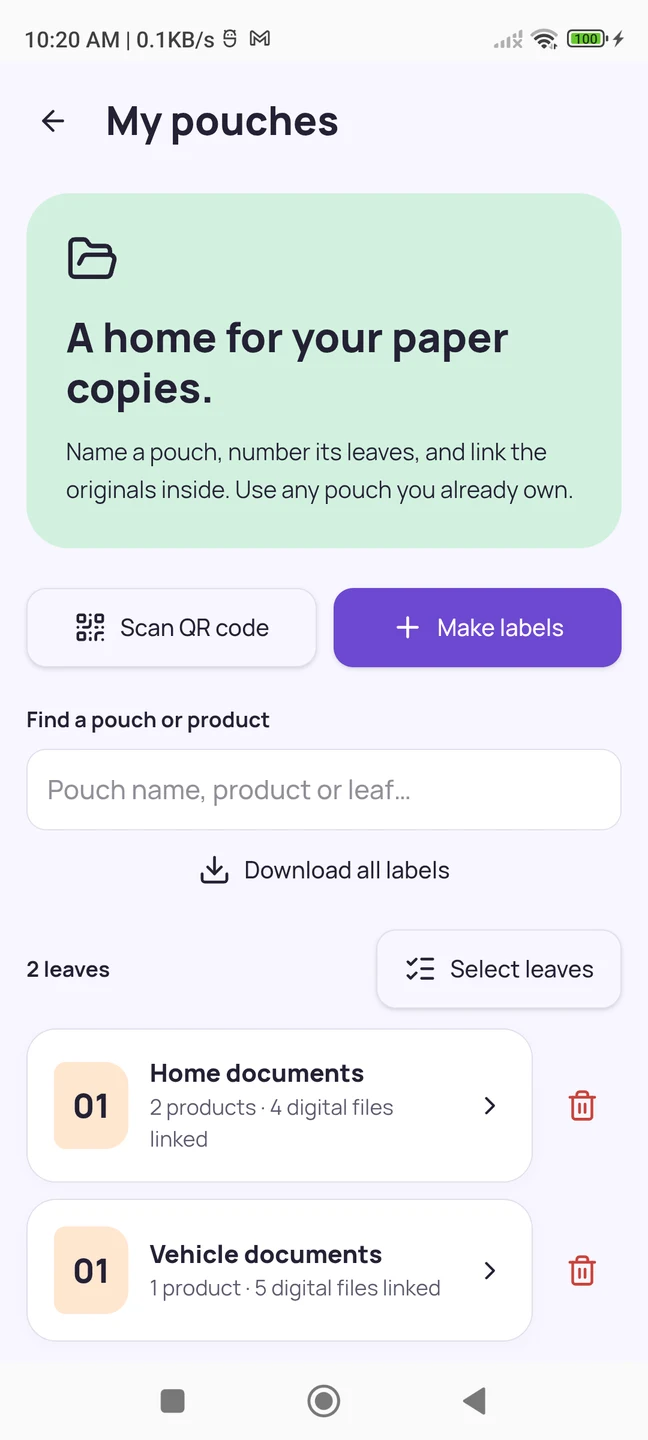
Create a pouch for home documents, number its leaves, and link the papers you filed. A saved location like Home documents → Leaf 01 tells you exactly where to look. A private QR label or manual lookup retrieves the location within OwnWise.
Keep vehicle paperwork together too
Use a vehicle folder for its registration certificate, invoice and insurance papers. See the vehicle document and service guide for an example.